Most Stratovex education references TradingView charts. Use this guide to get a clean workspace before the next live session.
Minimum setup
Create or sign in to a TradingView account.
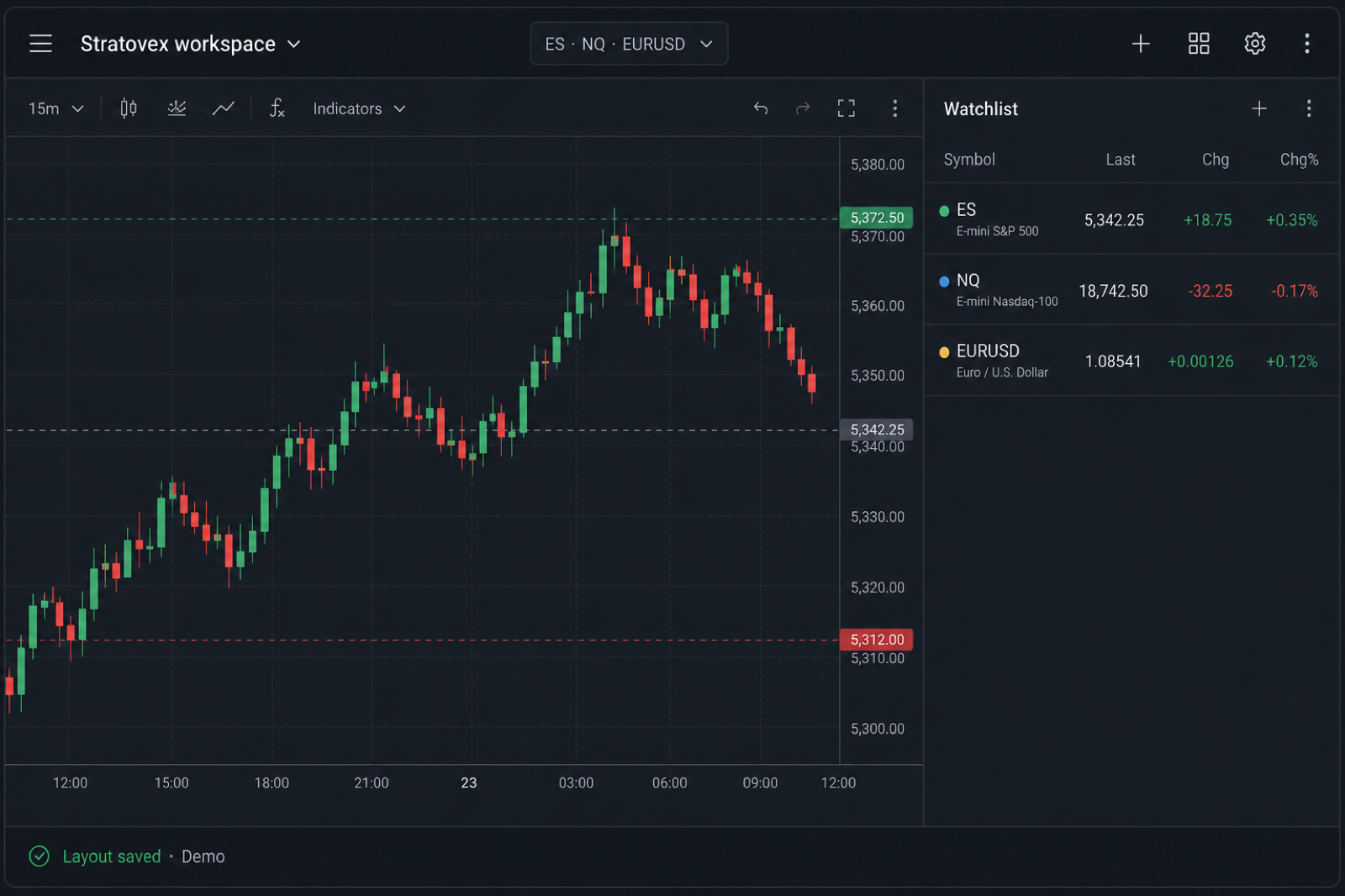
Open a chart for the market your desk covers (for example ES, NQ, or a major FX pair).
Save a layout named “Stratovex” so you can reopen the same workspace.
Build a watchlist of symbols used in sessions.
Alerts & sharing
Use price alerts sparingly — match the levels discussed in session notes
If coaches share snapshot links, open them in the same TradingView account
Don’t share private layout links publicly
Official help: TradingView Help Center.
Third-party educational video (for illustration). Stratovex did not produce this video and does not control its content.
Still stuck?
If a layout won’t load, try a different browser profile or disable aggressive ad blockers, then contact support with a screenshot.