If your broker or prop firm uses MetaTrader 5, use this checklist to install, log in, and prepare charts before asking for help in chat.
Install & login
Download MT5 from your broker’s site or MetaQuotes (prefer the broker build when required).
Install on desktop first — mobile is fine later for monitoring.
File → Login to Trade Account with the server name your broker provides.
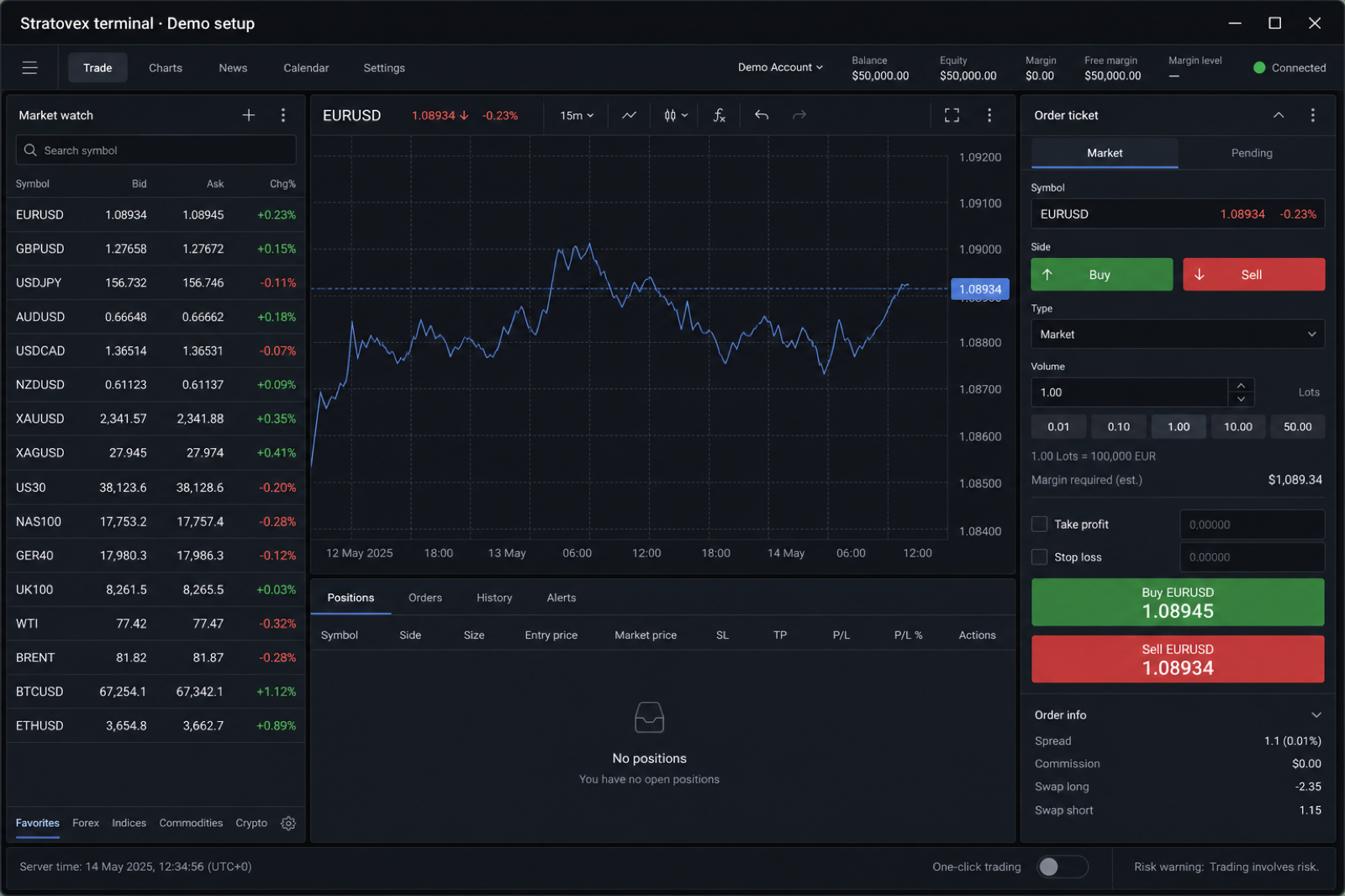
Confirm Market Watch shows the symbols you need.
Vendor docs: MetaTrader 5 Help.
Third-party educational video (for illustration). Stratovex did not produce this video and does not control its content.
Common login failures
Wrong trade server selected
Investor (read-only) password used instead of master password
Account not funded / not activated at the broker
Still stuck?
Stratovex can’t reset broker passwords. Contact your broker for account credentials; contact us only for community-access issues.